One spot to organize, understand, control your healthcare data.
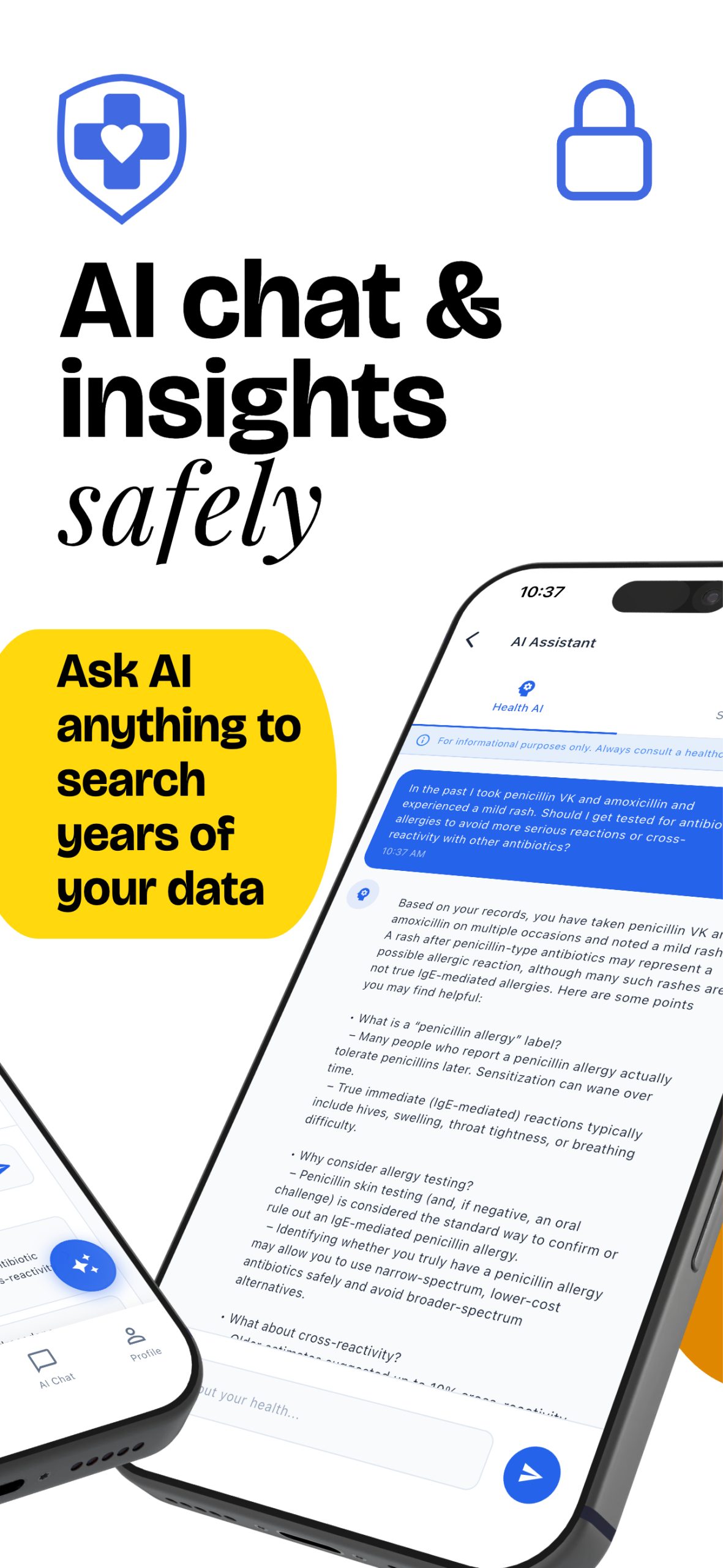
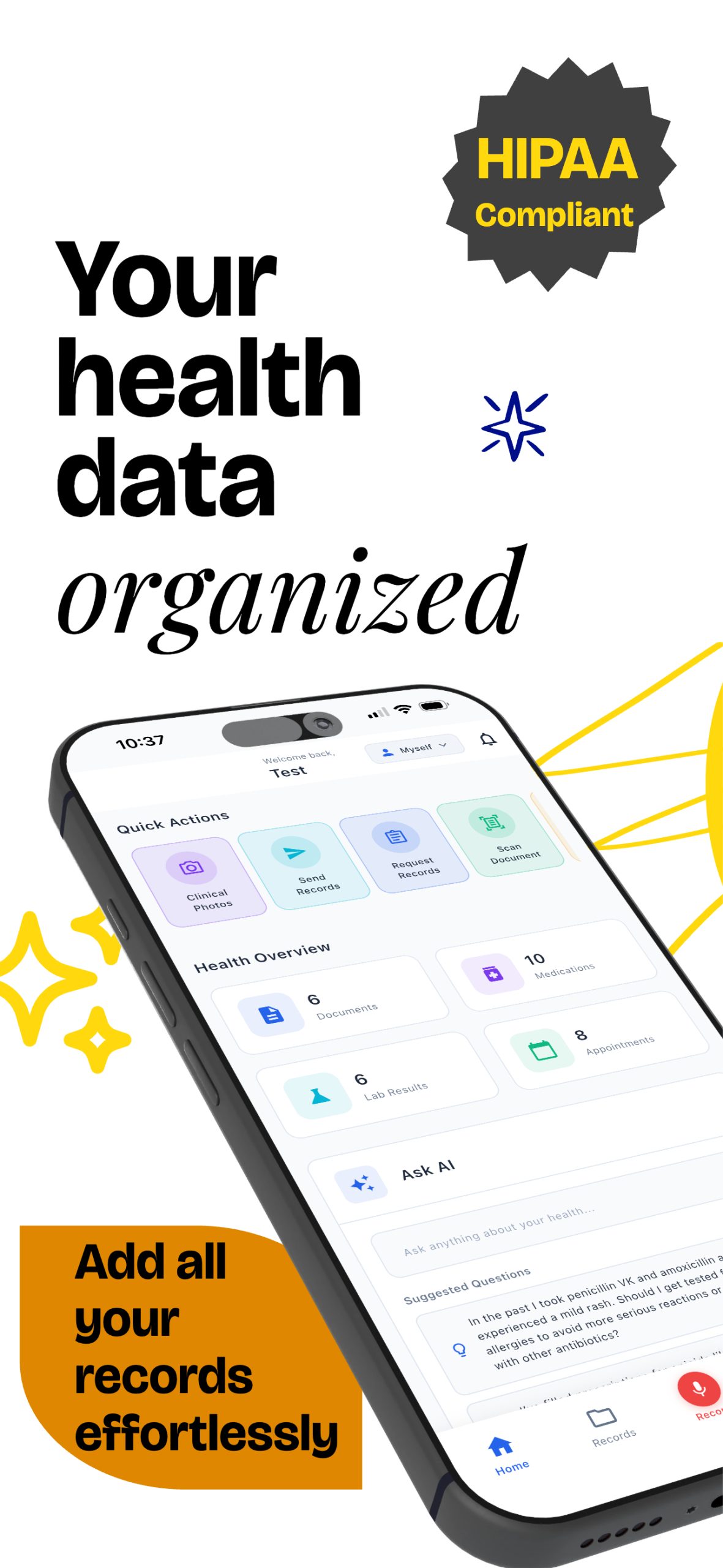
Manage all your medical records in one platform. Our privacy-first design makes sharing simple while keeping you in control.


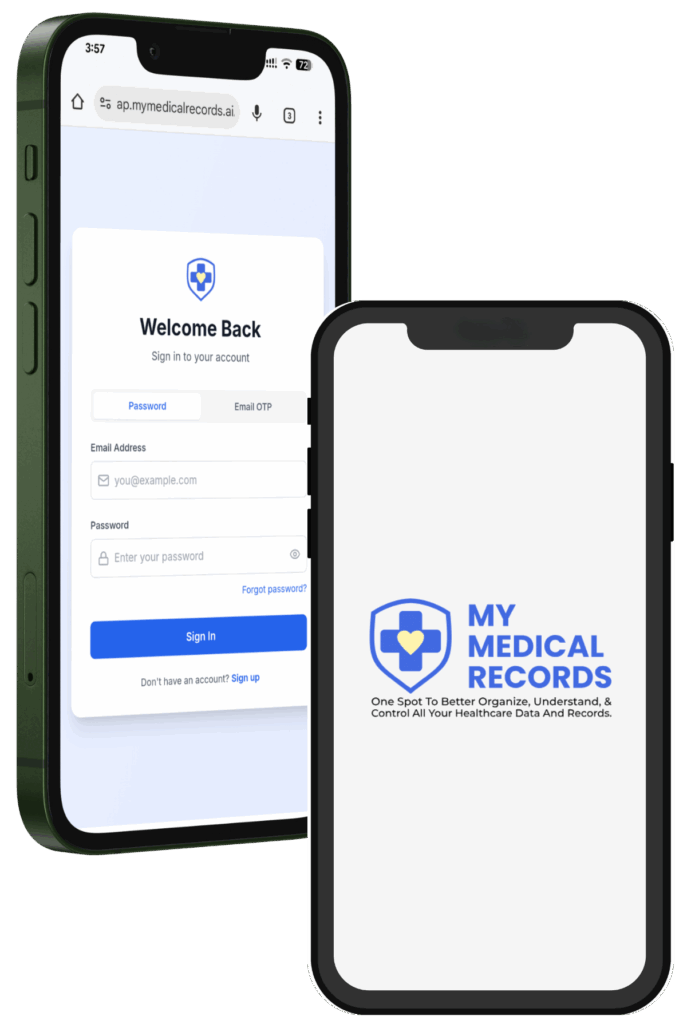
Your Records. Your Control.
Security and Privacy You Can Rely On
At My Medical Records, security isn’t just a promise—it’s our priority. We’re built with one goal in mind: to protect your health data with the highest standards of privacy and integrity. With My Medical Records, you’re in complete control of your health information—secure, private, and always on your terms.
U.S.-Based Servers
Your records are stored securely on servers located only in the United States, protected by strict national privacy and data security laws.
No VC or PE Ownership
We’re not funded by venture capital or private equity, so our only focus is delivering secure, transparent service—never outside interests.

Your Data Stays Private
We never sell or share your personal information. Your medical data stays yours—private, protected, and fully under your control.
Made for People Who Need More from Their Medical Records
Whether you’re managing a chronic condition, moving between providers, or simply want better control of your health information—My Medical Records is built for you.
For Those with Complex or Chronic Conditions
Quickly share detailed medical histories to support coordinated, long-term care. You decide what gets shared.
For Those on the Move
For Those Who Want Control
For Caregivers
Help organize medical records for your loved ones—children, parents, or spouse.
Why It Matters
One Platform. Many Reasons to Take Control.
Processing complex medical records within the insurance ecosystem is time-consuming and prone to errors. While automation is possible, the industry has seen little innovation—until now.
Why It Matters
One Platform. Many Reasons to Take Control.
Processing complex medical records within the insurance ecosystem is time-consuming and prone to errors. While automation is possible, the industry has seen little innovation—until now.
- 📘 All Records In One Place
- ➕ Smarter Health Decisions
- 🗂️ Organize Your Health Agenda
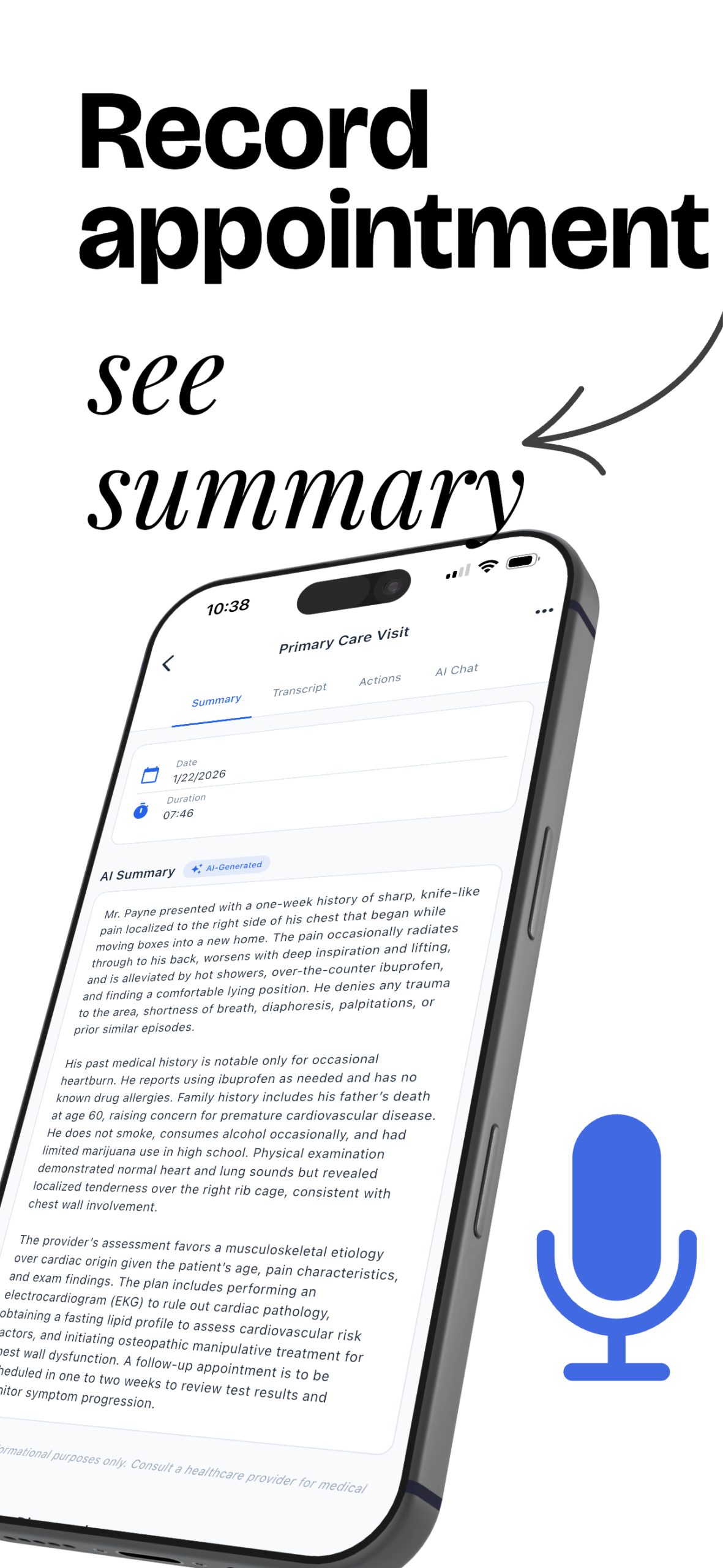
- 🤖 AI Note Taking
- ⏱️ Save Time & Stress
- 🔗 Seamless Sharing
- ➤ You’re In Control
- 🛡️ Safe, Long-Term Storage
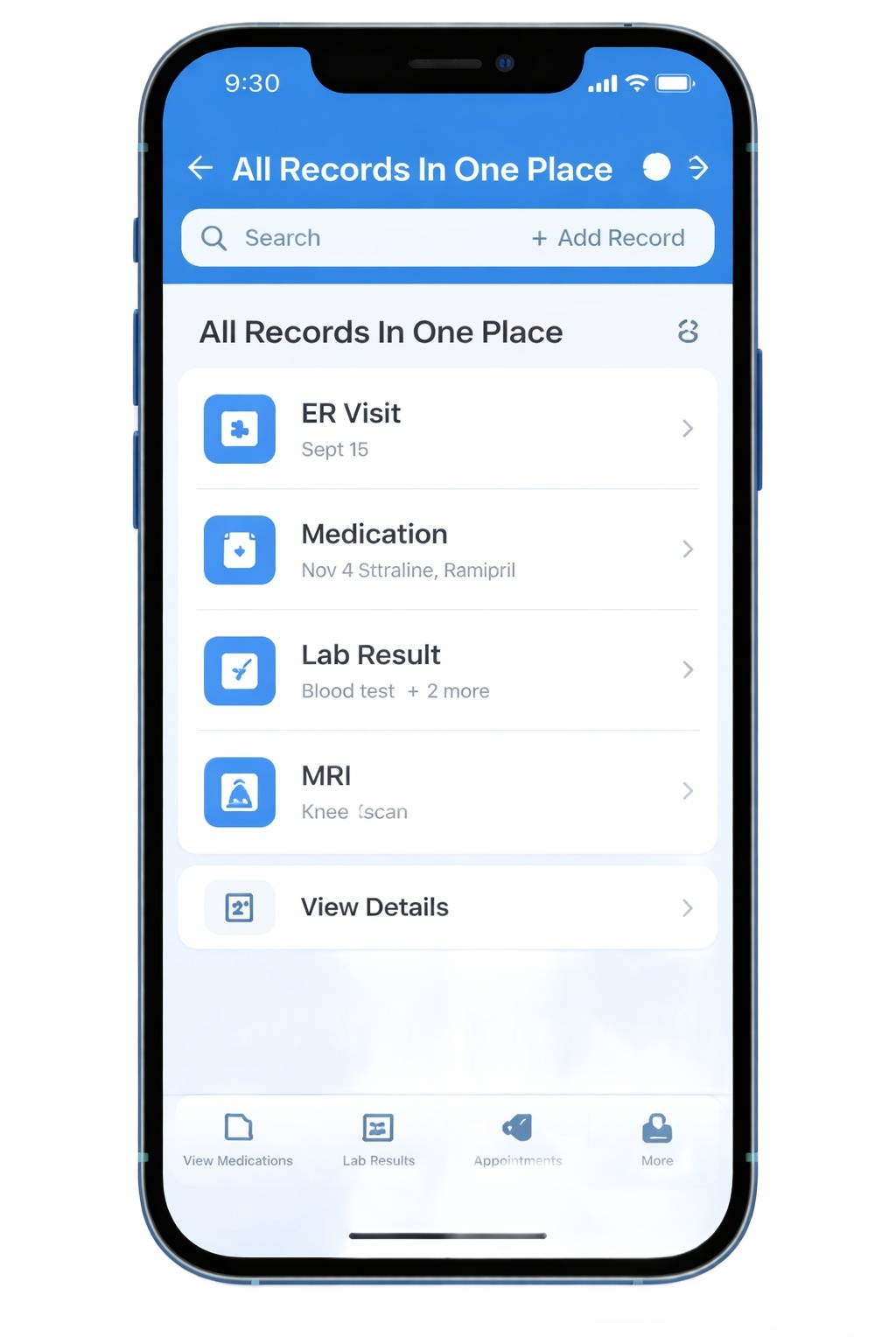
All Records in One Place
Organize records from any hospital or provider in a single, easy-to-access platform.
AI Note Taking
Focus on your visit while AI listens and takes notes for you.
Smarter Health Decisions
Understand your medical history with valuable insights through data visualizations, summaries, and timelines.
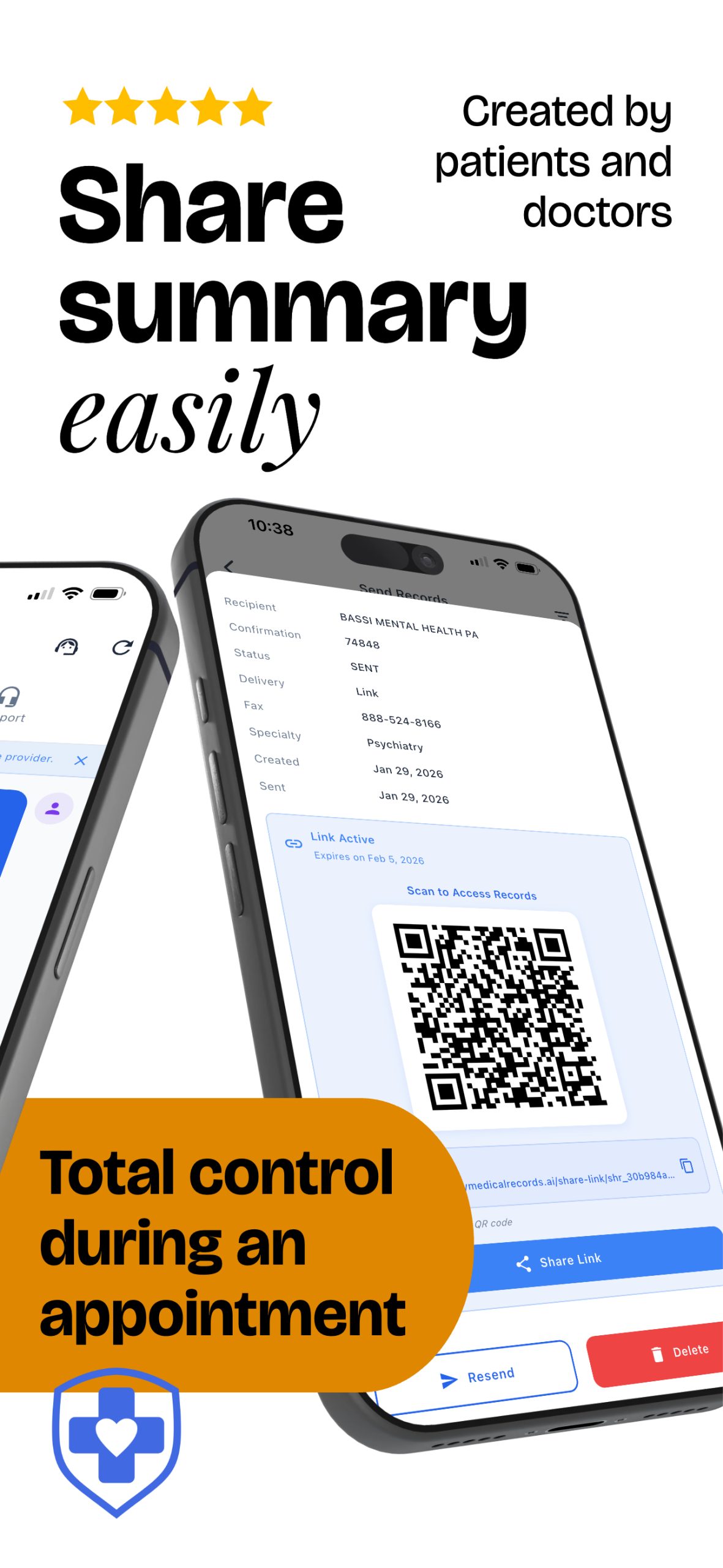
Seamless Sharing
Share what's most important, and utilize our platform for smart summaries the receiving providers will actually read.
Organize your health agenda
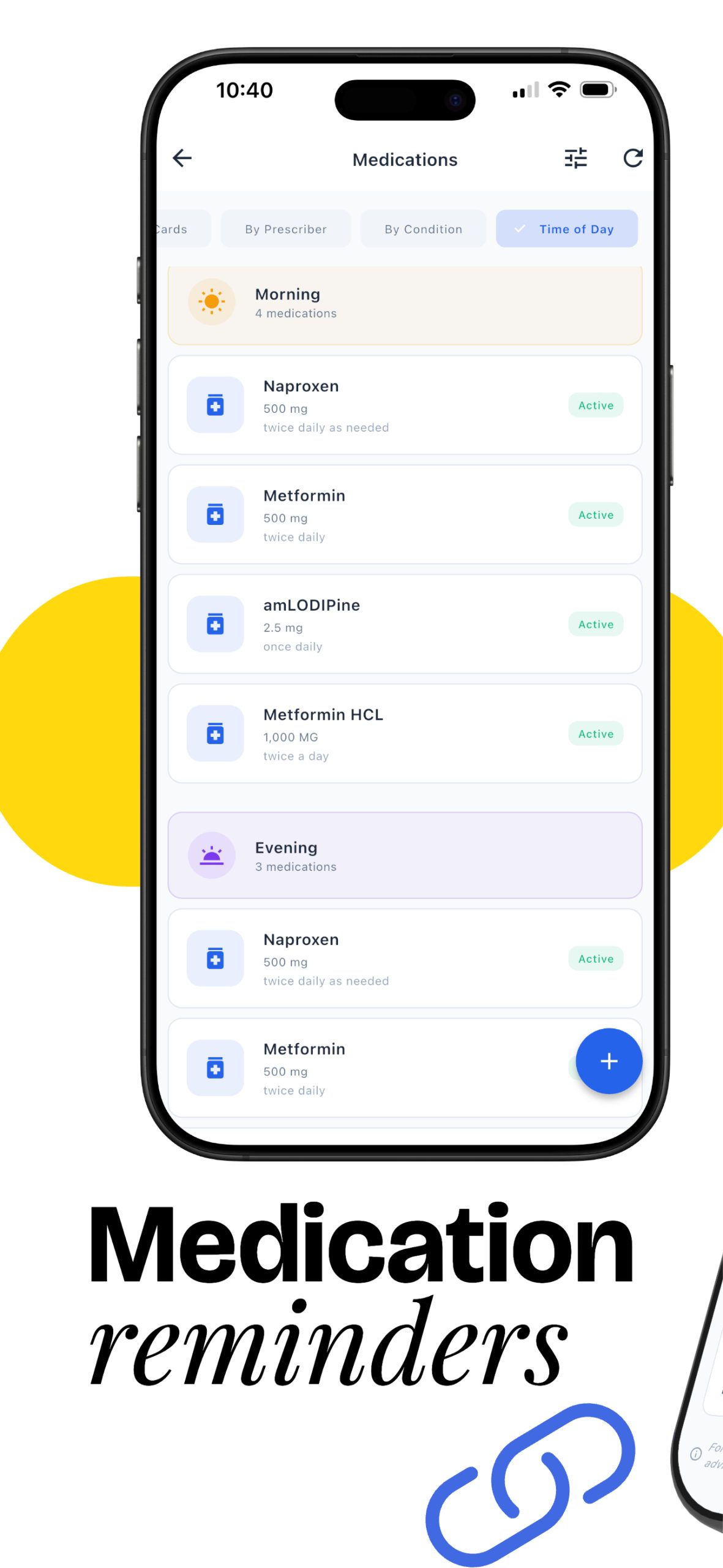
Reminders help prepare for upcoming visits and remember medications.
Save Time & Stress
No more chasing paperwork—easily request and access your records all in one place.
Safe, Long-Term Storage
Keep your entire medical history secure, organized, and available when you need it.
You’re in Control
Manage your health records on your terms—view, download, or share whenever you choose.
Pricing Plans
Transparent, Affordable, and Built Around Your Needs
Whether you’re an individual managing personal health records or a team handling high-volume medical data, our pricing is designed to give you maximum value. Pay only for what you need, upgrade anytime, and enjoy full access to secure, reliable tools built to streamline your process.
Always Free
- Store 20 medical records
- Add 1 additional dependent / child account
- Medication Reminders (unlimited)
- AI Chat (20 questions/week)
- Health Insights
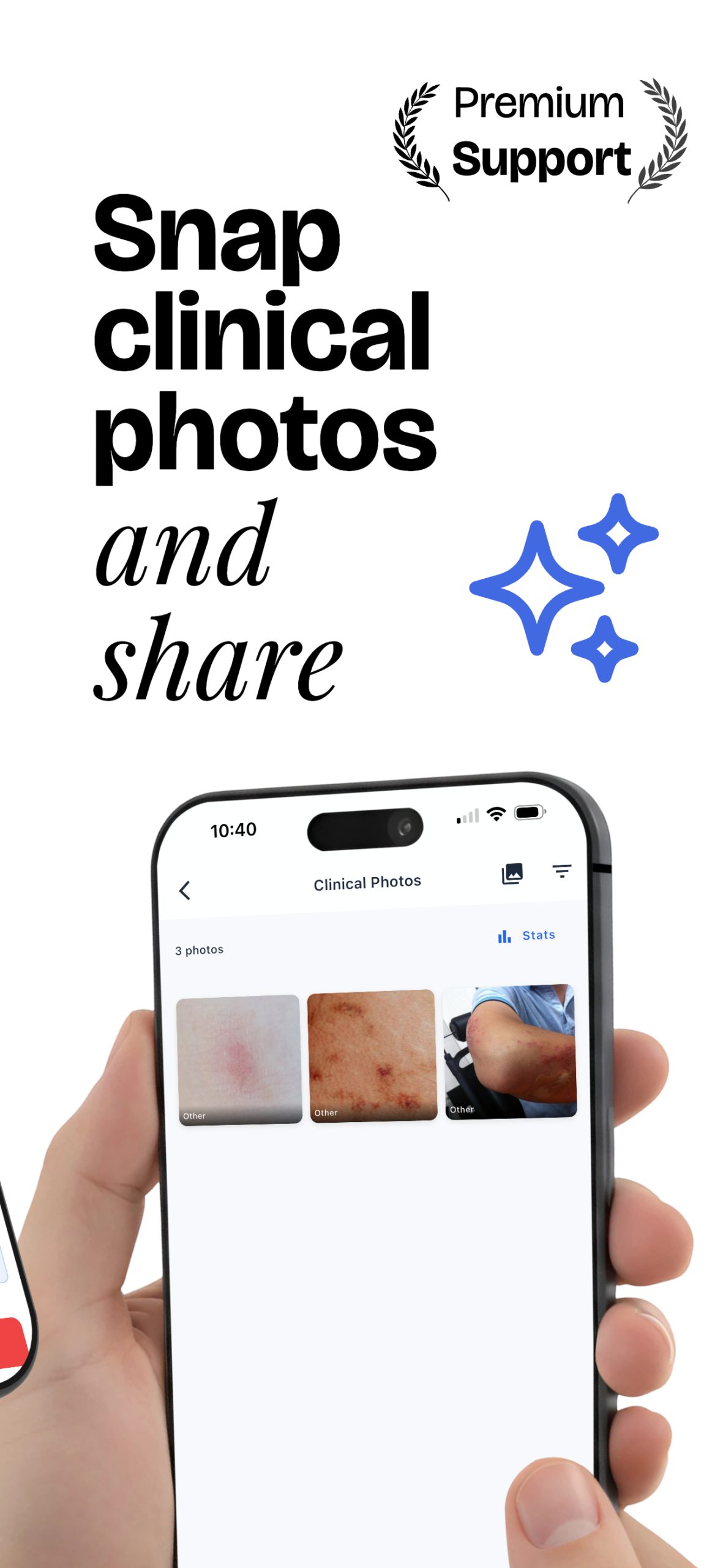
- Store 5 clinical photos
- Share with any provider securely
- AI Recording and Note Taking (10 min/mo)
- Connect with Epic MyChart
Premium
- All Features In Free Plan (Unlimited)
- Multi-view timeline and data
Lifetime Premium
- Lifetime updates for new features
- Premium health education
- Premium support
Always Free
$0
Forever
Storage
Monthly limits
Weekly limits
AI features
Premium
Most popular$8.25 / mo
Billed $99 yearly
Storage
Monthly limits
Weekly limits
AI features
Lifetime Premium
$299
One-time payment
Storage
Monthly limits
Weekly limits
AI features
See the Difference
More Control and Flexibility Than Traditional Portals
| Feature | My Medical Records | Typical Hospital Portals |
|---|---|---|
| Stores Records from Any Provider | ✅ Yes | ❌ Only from one hospital system |
| Secure privacy standards | ✅ Yes | ✅ Varies by system |
| Independently Owned | ✅ No VC or PE funding | ❌ Often part of larger network |
| U.S.-Based Servers | ✅ Yes | ✅ / ❌ Varies |
| Share Records Instantly | ✅ Easy & secure sharing | ❌ Limited or complicated |
| Insightful Visualizations | ✅ Built-in health summaries | ❌ Rarely included |
| Request Records Easily | ✅ With just a few clicks | ❌ Requires phone/email/fax |
| Control Over Your Data | ✅ You decide who sees it | ❌ Limited control |
| Works Across Providers | ✅ Unified view | ❌ Fragmented across systems |
| No Data Selling | ✅ Never sold or shared | ❌ Terms vary |